Open .pub files online,
for free.
A free PUB viewer and editor: PubStudio runs right in Chrome or Edge, on Windows, Mac or Chromebook. Open a Publisher file, edit it, print it or save it as a PDF, with nothing to install.
Free forever · No account · Your file isn't uploaded · Chrome or Edge · Windows, Mac and Chromebook
Updated
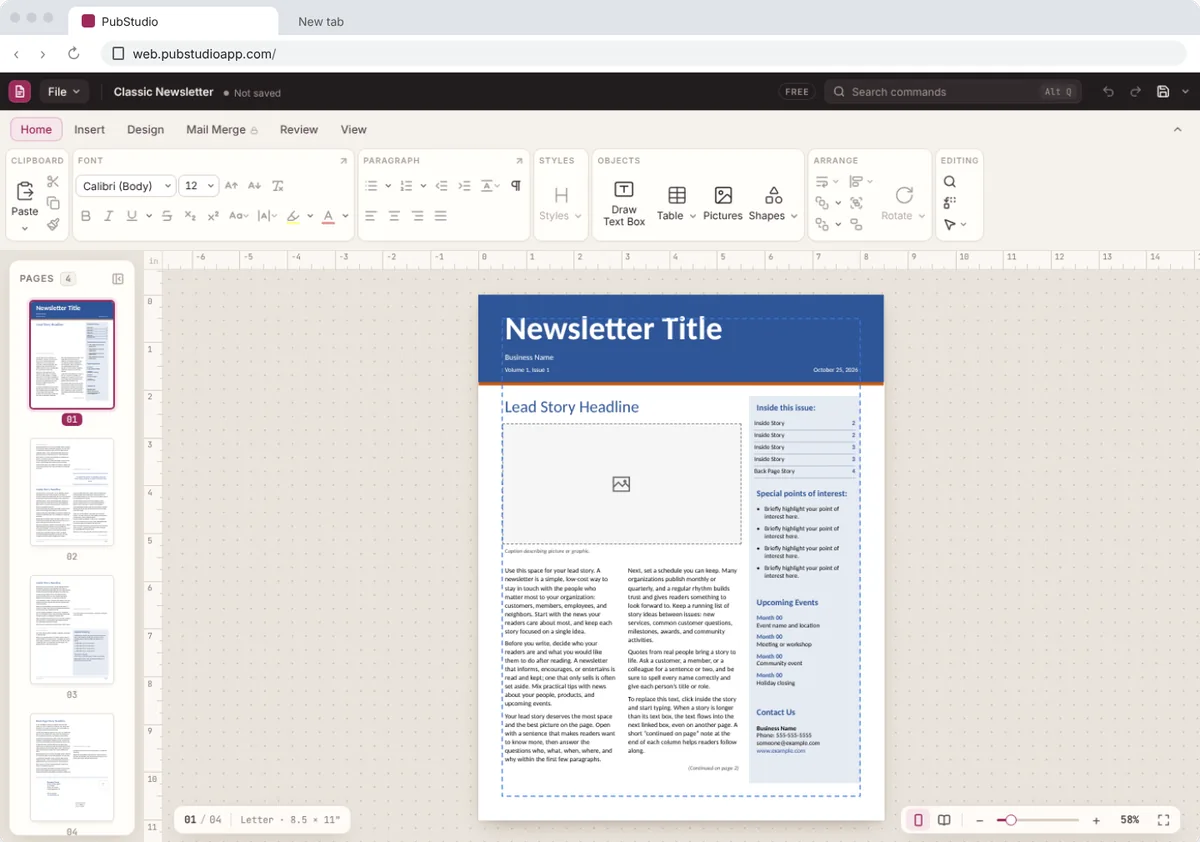
Your .pub file opens just as you left it.
Drag the file onto the page, or choose File > Open. Publications from Publisher 98 through Microsoft 365 open with their text, pictures, tables and pages where they were.
The file is opened inside your browser. It isn't uploaded to us or anyone else, and your original .pub is never changed.
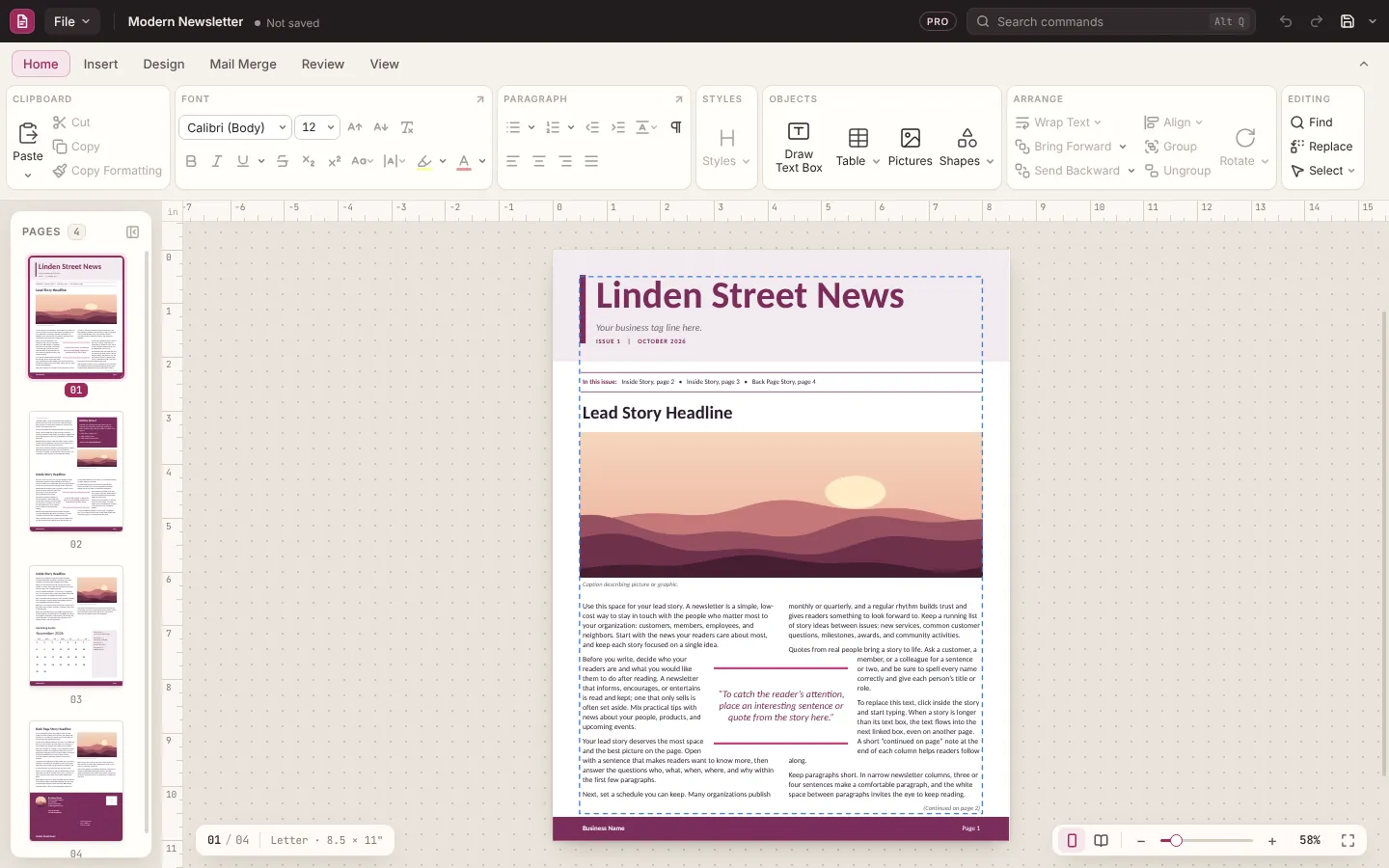
Print it, or turn it into a PDF.
Print straight from your browser, or save a PDF to email to the print shop, the church office or the school. You can also save it as a PubStudio file and keep working on it later.
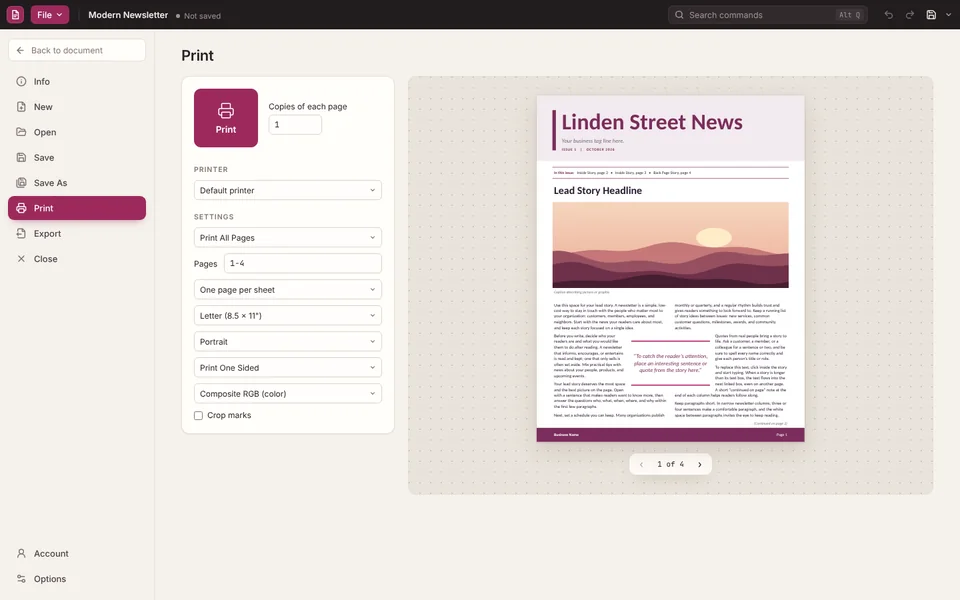
How to open a .pub file online
- Go to web.pubstudioapp.com in Chrome or Edge. There's nothing to install and no account to make.
- Open your file: drag the .pub onto the page, or choose File > Open and pick it.
- Edit, print or save it. Change the text, swap a picture, print it, or save it as a PDF or a PubStudio file (.pubx) on your computer.
On a Mac or a Chromebook
Publisher was never made for the Mac or for Chromebooks, so their own apps can't open a .pub file. PubStudio online can: open it in Chrome or Edge and it works the same as on Windows. See opening a .pub file on a Mac.
Free, with Pro when you want it
Opening, editing, printing and saving are free, for good. PubStudio Pro adds things like clean PDFs, mail merge, the Brand Kit and every template, and one Pro subscription works in both the Windows app and the browser. Using it online doesn't take up your PC. See pricing.
Prefer an app?
PubStudio is also a Windows app that works offline and opens .pub files with a double-click. Get it for Windows.
Questions
Is it really free?
Yes. Opening, editing, printing and saving are free, for good, with no account to make. Free PDFs and prints carry a "Made with PubStudio" line at the foot of each page. Pro removes it, and adds mail merge and every template.
Is my .pub file uploaded?
No. PubStudio online opens the file inside your own browser, on your computer. It isn't sent to us or anyone else, and the original is never changed.
Which browsers does it work in?
Chrome or Edge, on Windows, Mac, Chromebook or Linux. They're the browsers that let a web app open and save files on your computer properly.
Can I save my changes?
Yes. Save it as a PDF, or as a PubStudio file (.pubx) on your computer and open it again later to keep working on it.
I only need a PDF. Is there a quicker way?
Yes. Drop the file on the .pub to PDF converter and it hands back a PDF, also without uploading anything.